

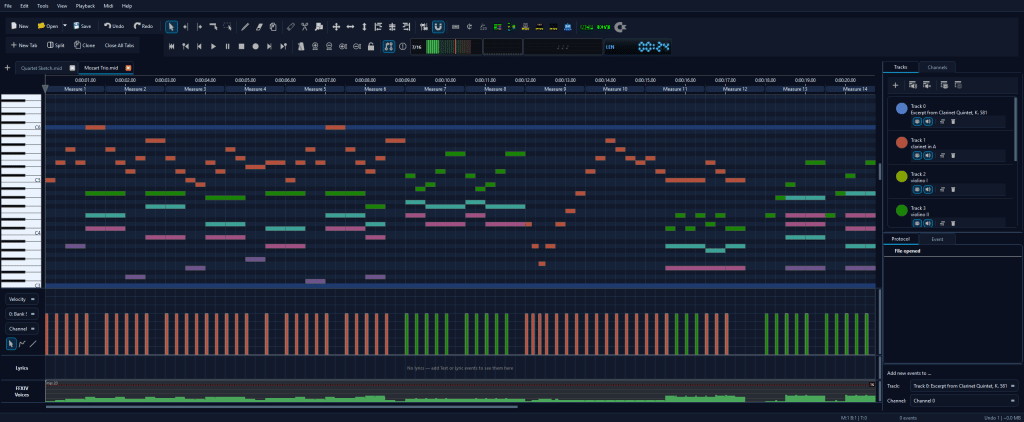
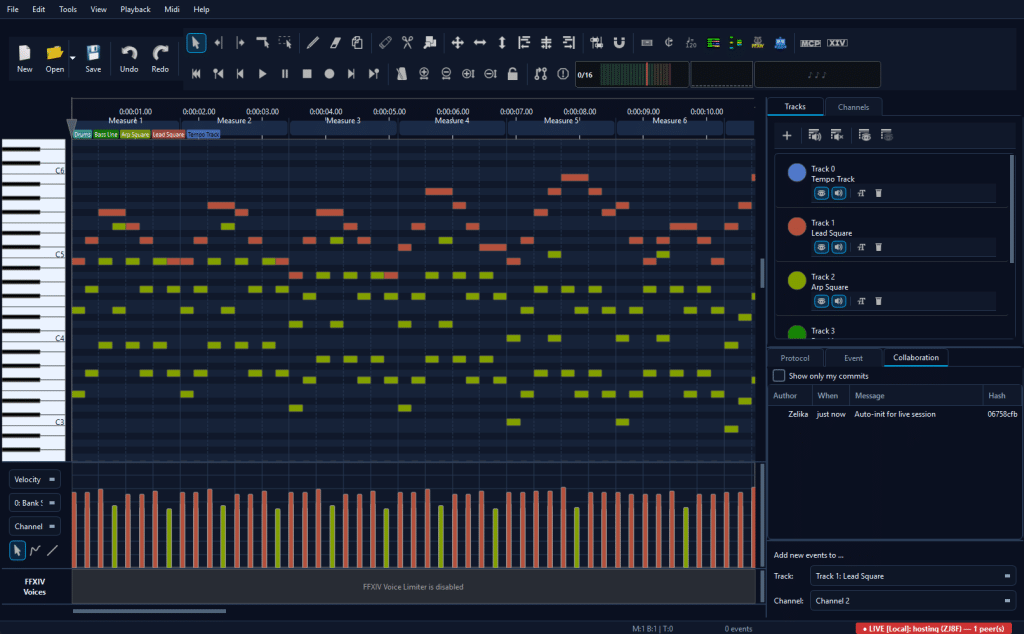
MidiEditor AI is the editor we arrange our songs with. It is free, open source and runs on Windows. It comes with MidiPilot, an AI copilot that edits MIDI from plain-language requests, and a whole toolbox for Final Fantasy XIV bards.
Highlights
🤖 MidiPilot AI copilot
27 AI tools and live agent streaming: compose, harmonize, fix and refine your MIDI by simply asking.
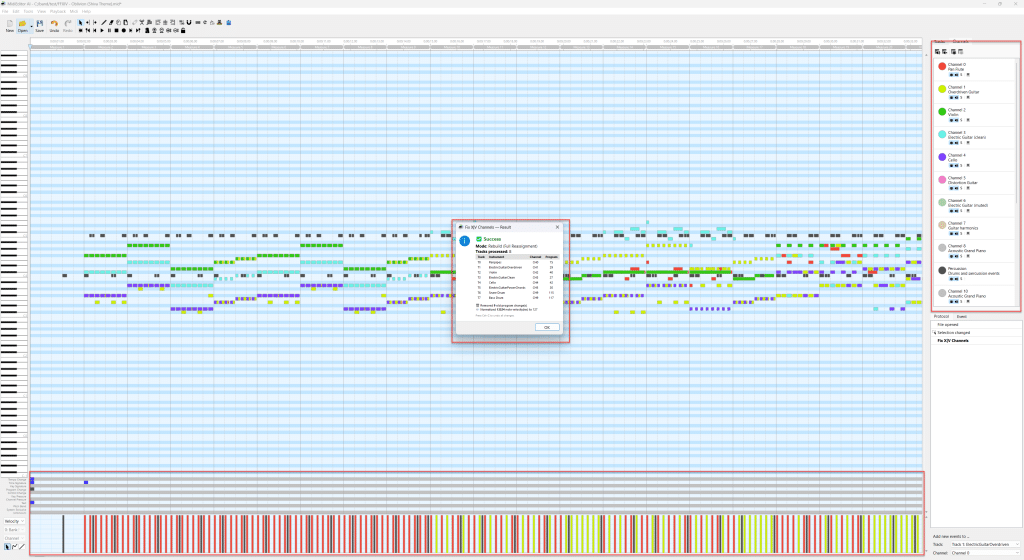
🎮 FFXIV bard mode
One-click channel fixer for MidiBard2 with guitar variants, range clamping and validation. No AI needed.
🎚️ Voice limiter & auto-fit
See where an arrangement exceeds the game’s 16-voice limit and thin those moments automatically, with live preview and one undo step.
🥁 Drum split & kit editor
Turn a General MIDI drum track into named FFXIV percussion tracks with playable kit mappings.
📂 Score & tab import
Open Guitar Pro (GP1-GP8), MusicXML and MuseScore files; they are converted to MIDI on open.
🔊 Playback & audio export
Built-in FluidSynth with SoundFont stacking; export to WAV, FLAC, OGG or MP3.
🤝 Live collaboration
Edit a MIDI file together with up to 8 people over your LAN or the internet.
🔌 MCP server
Drive the editor from Claude Desktop, VS Code or Cursor through the Model Context Protocol.
See it in action
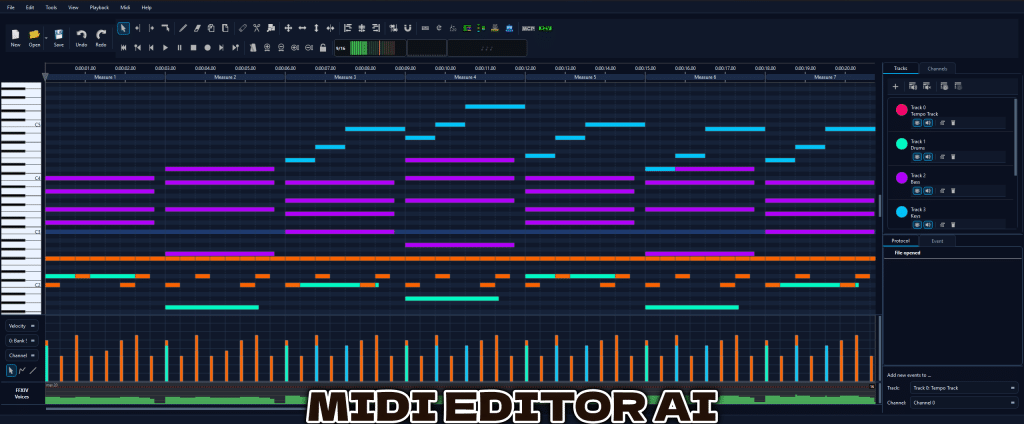
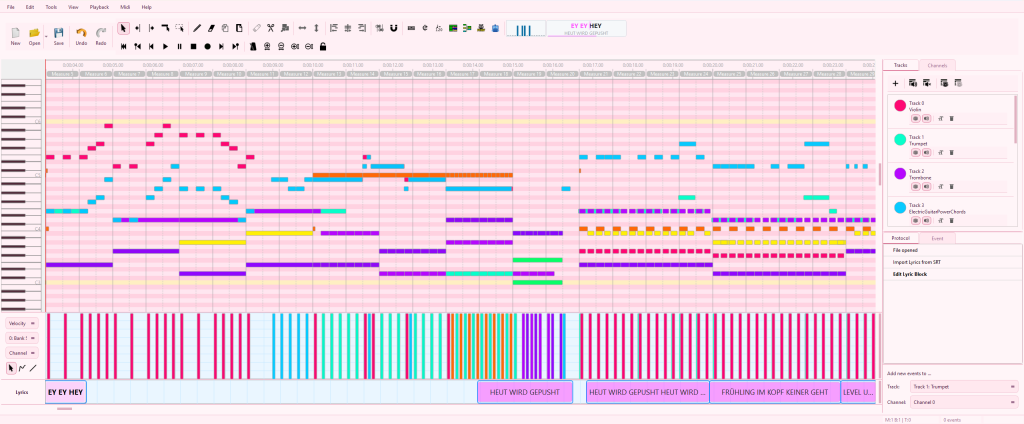
Documentation, prompt examples and the full changelog are on midieditor-ai.de. Questions, ideas or a bug? Open an issue on GitHub or ask us on Discord.